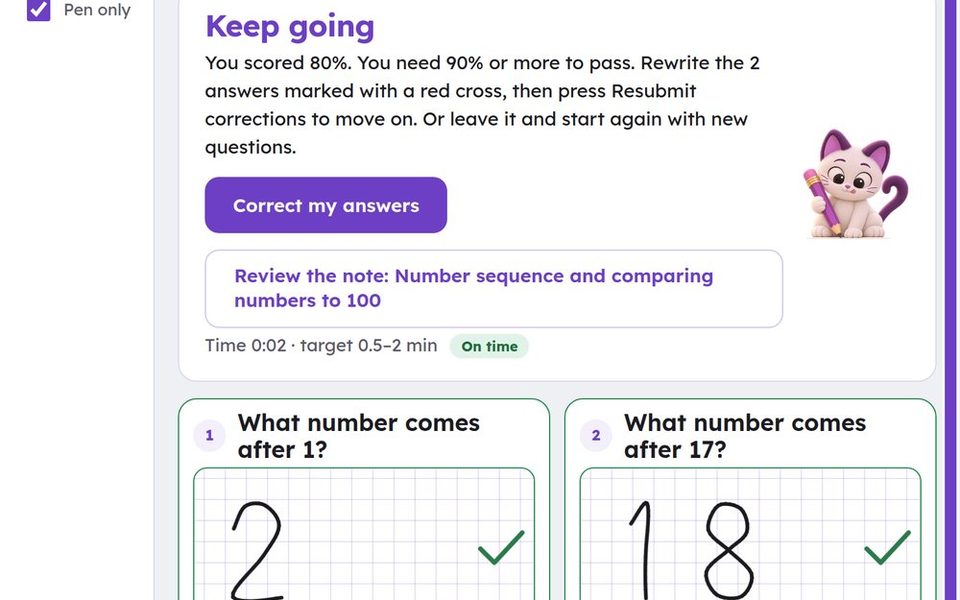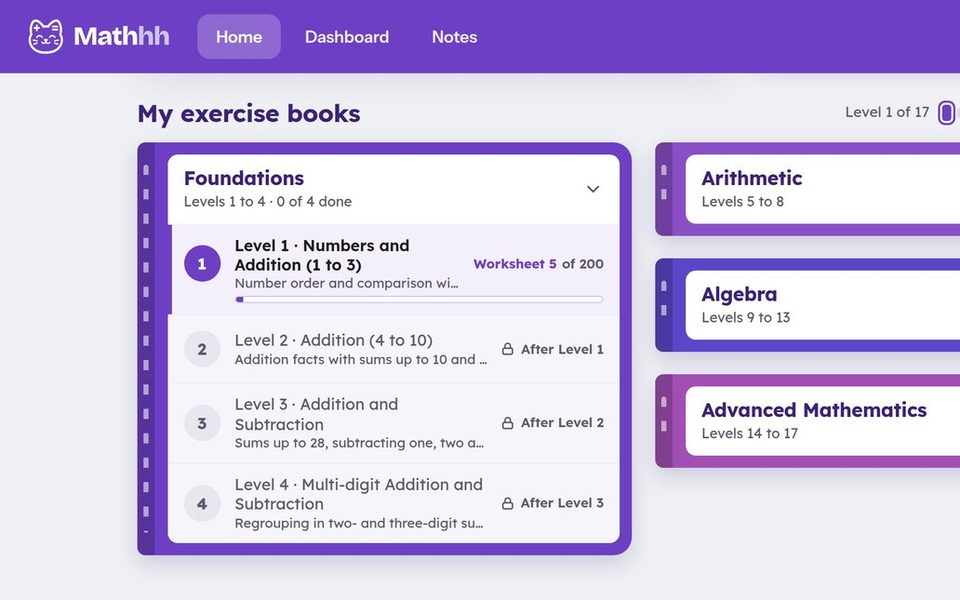
Children learn maths by writing it. So Mathhh lets them write their answers by hand, then marks the page for them.
A page like a maths notebook
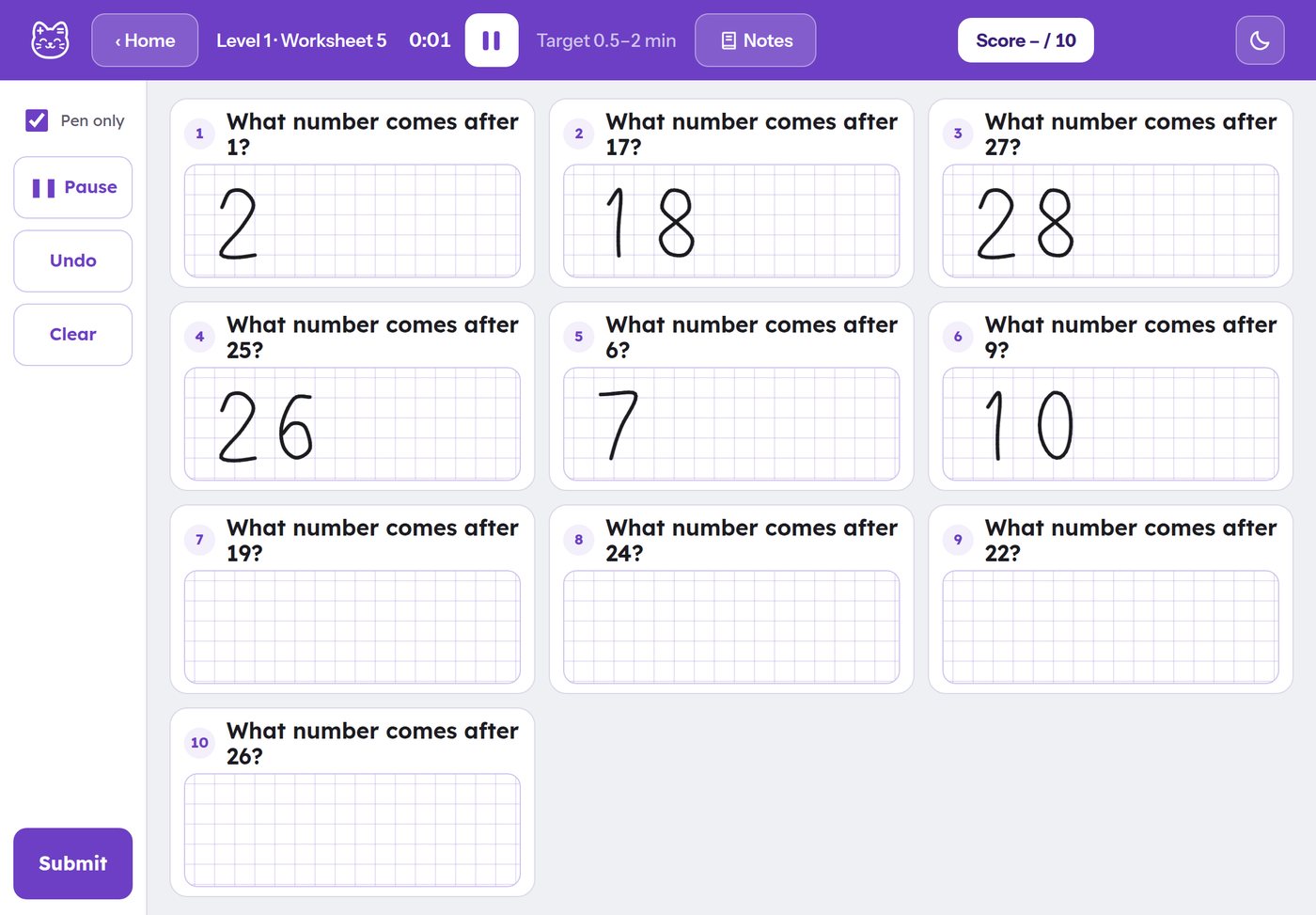
Each answer box is a squared grid, like the ones in a maths exercise book, so digits line up neatly. You can write with an Apple Pencil, any tablet stylus, a mouse on a computer, or even a finger. On a tablet, Pen only is switched on, so a resting hand never leaves marks and a finger dragged over a box just scrolls the page. On a phone it starts off, so a finger can write.
Made a slip? Undo takes back your last stroke, and Eraser rubs out just the part you touch. Clear wipes everything, and it asks first.
How the marking works
Submit starts out grey. It switches on once every answer box has writing in it, so a half-finished worksheet cannot be handed in by accident. When you press it, Mathhh reads the handwriting in each box and marks it. A right answer gets a green tick. A wrong one gets a red cross with the correct answer written beside it in red, the way a teacher would. To read the writing, we send a picture of each answer box over a secure connection, and nothing else. The Privacy page lists exactly what we keep. If the internet drops, your answers stay on the device and a Resubmit button sends them when you are back online.
Set up for the iPad
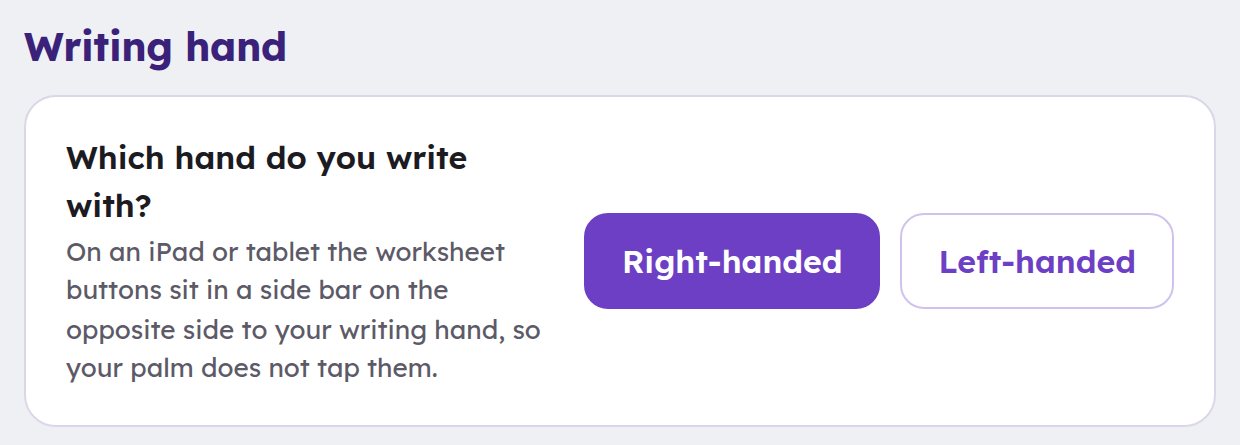
When you write in the bottom row of a page, your palm usually rests on the lower edge of the screen. So on tablets the worksheet buttons go in a side bar instead of along the bottom: on the left for right-handed writers and on the right for left-handed ones. The default is right-handed, and you can change it in Settings. The questions are sized to fit on one iPad screen, upright or sideways, so there is no scrolling.
Which devices work?
- An iPad with an Apple Pencil is the best fit, with palm protection and a side bar that stays clear of your hand.
- Other tablets with a stylus get the same layout.
- On a computer, write with the mouse. The buttons sit in a bar along the bottom.
- On a phone, write with a finger. There is a dark mode button in the header for evening practice.
Write each digit clearly and a little large, put one answer in each box, and use Undo or Eraser instead of scribbling over a mistake.
If an answer is marked wrong, you can rewrite just that box. And if you are not sure how to start a topic, each one has a short study note.
Questions people ask
Do I need an Apple Pencil to use Mathhh?
No. Write with an Apple Pencil, any tablet stylus, a mouse, or a finger. On tablets, Pen only is on by default so that a resting hand does not mark the page.
What does Pen only do?
With Pen only on, only a pen or stylus writes in the answer boxes. A finger dragging over a box scrolls the page instead. On phones it starts off so a finger can write.
How does Mathhh mark handwriting?
When you press Submit, Mathhh reads the handwriting in each box and checks it against the right answer. Ticks and red crosses appear on the boxes, and wrong answers show the right answer in red pen.
What happens if the internet drops while I submit?
Your answers stay saved on the device. A Resubmit button sends them when you are back online.
Is my handwriting kept?
Mathhh keeps the answers it read from your handwriting and your score. To read the writing, a picture of each answer box is sent over a secure connection. The Privacy page explains what is kept and who can see it.
Why is the Submit button grey?
Submit switches on once every answer box has writing in it, so a half-finished worksheet cannot be handed in by mistake.