Setting up a new account should not need a manual. Here are the three short screens a new Mathhh account goes through, what each one asks, and how to answer it. It takes about a minute.
Before you start
Sign in with Google, or with the username and password you were given. A new account opens on the first of three screens, with a row of three steps at the top: Welcome, Level and Learners. You can go back one step at any time.
Step 1: Welcome
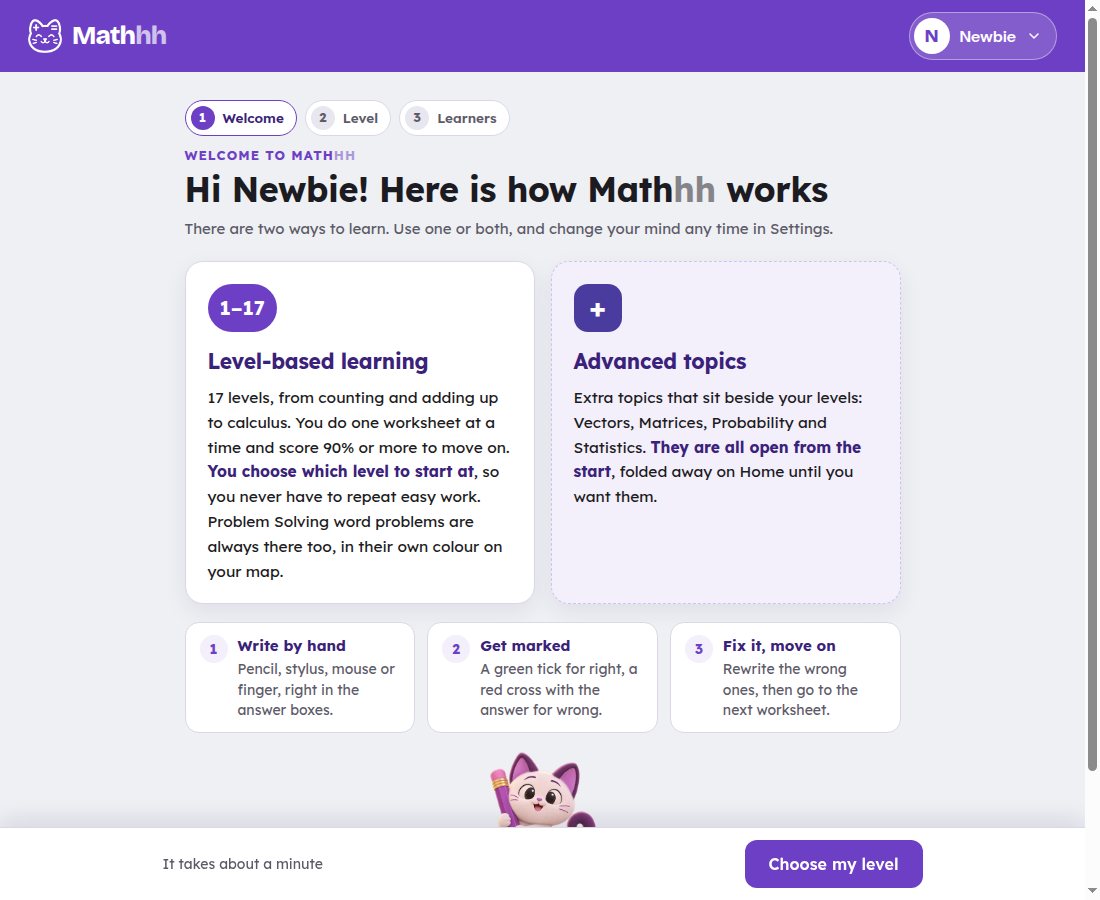
The first screen says hello and explains the two ways to learn. Level-based learning has 17 levels, from counting and adding up to calculus. You do one worksheet at a time and score 90% or more to move on. Advanced topics are extra topics beside the levels: Vectors, Matrices, Probability and Statistics. They are all open from the start and folded away on Home until you want them. Three small cards show the rhythm: write by hand, get marked, fix it and move on.
Step 2: choose a level
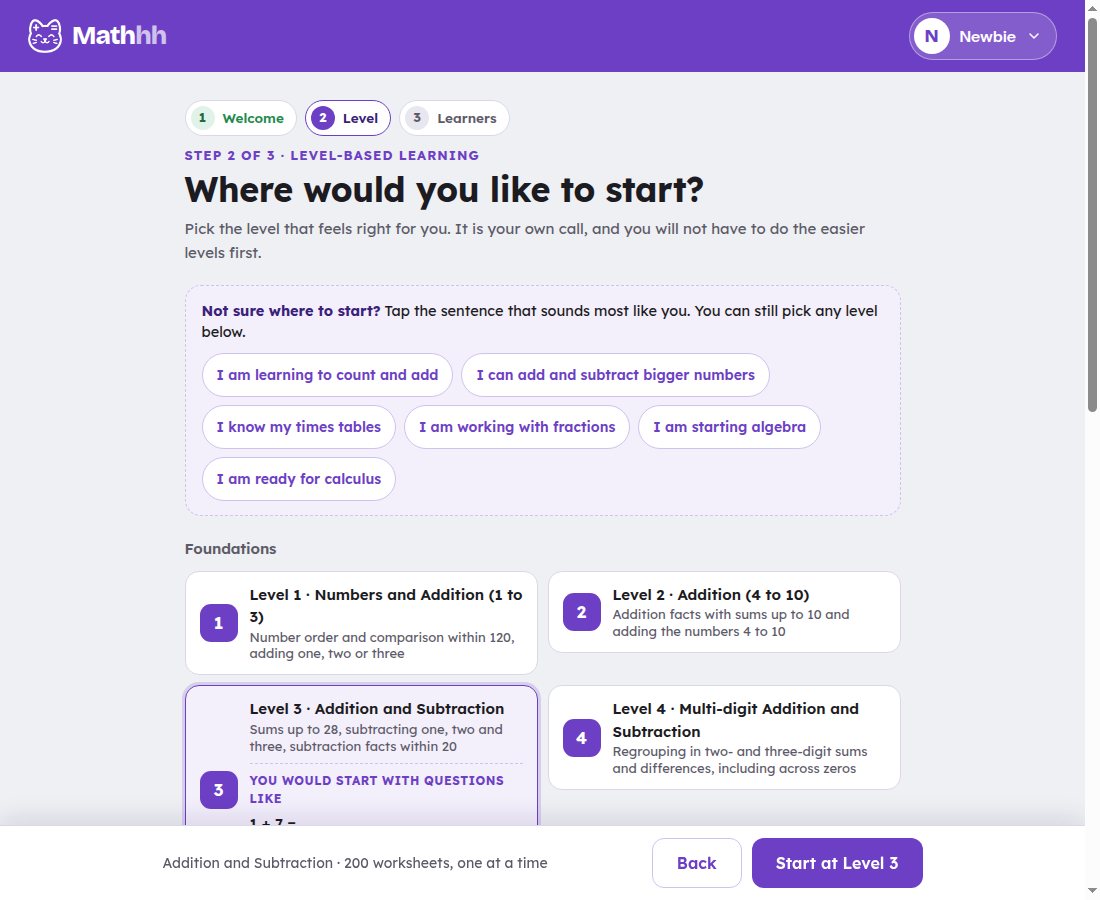
This is the one choice that matters. You pick the level to start at, and you never have to do the easier levels first. If you are not sure, tap the sentence that sounds most like you, such as I know my times tables, and the screen points to a level. Pick a level and a few sample questions appear under You would start with questions like. The bar at the bottom names the level and has the Start at button.
Pick the level where the sample questions look comfortable. A first worksheet that goes well is worth more than a hard one that does not. You can change the level later in Settings, under Change my level.
Step 3: learners
The last screen asks Is anyone else learning? One sign-in can hold up to five learners, and each has their own level, worksheets, badges, streak and language. To add one, type a name, choose a picture (six colours or three Kira poses), choose where to start and pick English or Bahasa Malaysia. A small panel shows how many of the five places are used. If it is only you, press Just me, continue.
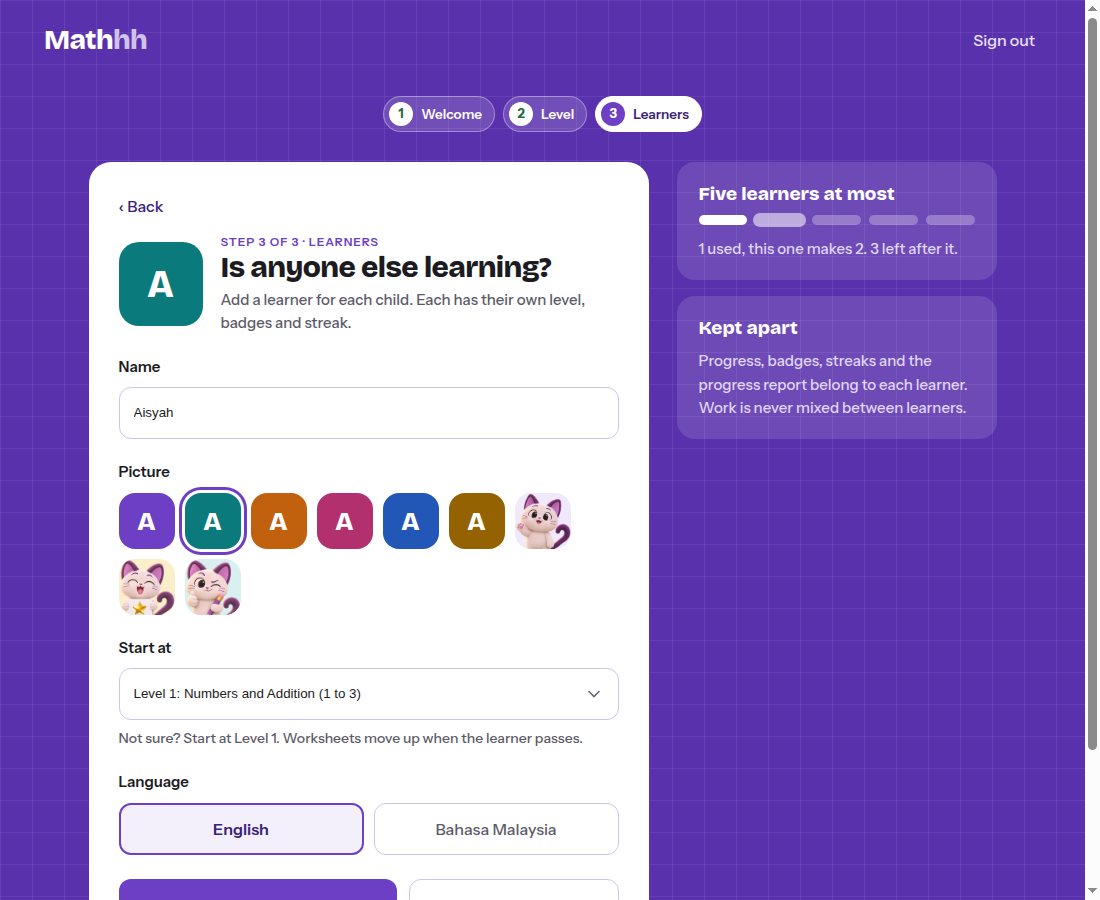
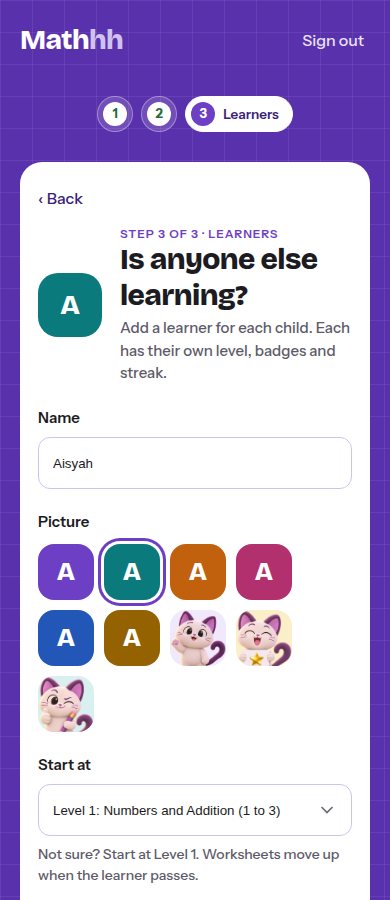
If children share a tablet, add each child as a learner. Their worksheets, badges and streaks stay apart, and the Who is learning today? screen shows after every sign-in so each child can pick their own picture.
After the three steps
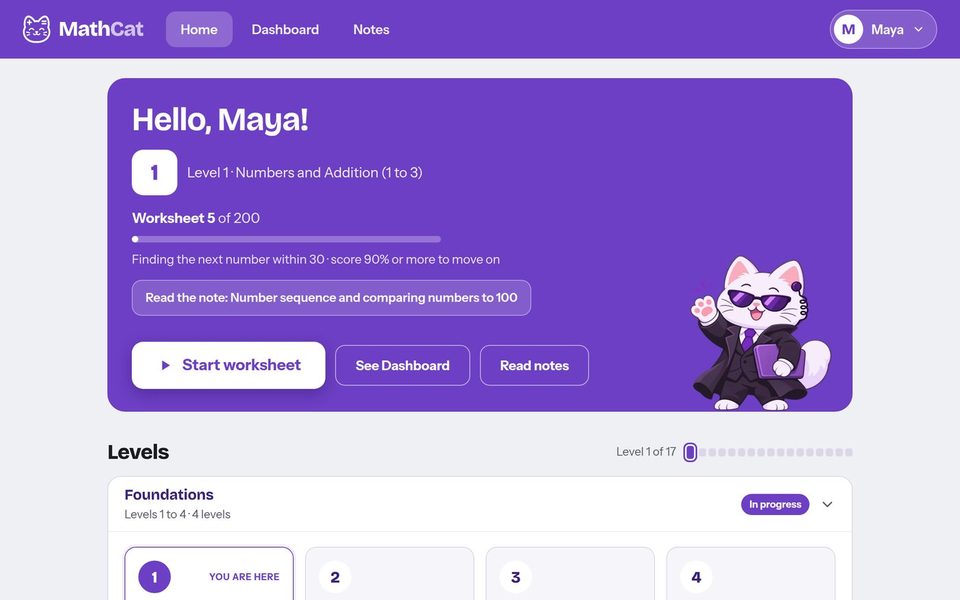
Home opens at the level you chose, with your worksheet number and one Start worksheet button. You can add or remove learners later in Settings, under Learners, and with two or more learners the account menu has Switch learner. For a plan for the first few days, read your first week with Mathhh.
Questions people ask
How many steps are there to set up Mathhh?
Three short screens: Welcome, Level and Learners. It takes about a minute.
Can I skip adding learners?
Yes. Press Just me, continue. You can add learners later in Settings, under Learners.
How many learners can one sign-in have?
Up to five. Each learner has their own level, worksheets, badges, streak and language.
Can I change my level after sign-up?
Yes. In Settings, Change my level lets you choose any level. You pick, and no one has to approve.
What if I do not know which level to choose?
Tap the sentence that sounds most like you, or pick a level and read its sample questions. Choose the level where they look comfortable.