Starting something new is easier when you know what the first few days will look like. Here is a simple plan for a first week with Mathhh, using only what is already in the app.
Before day 1: three short screens
A new account goes through three short screens, and it takes about a minute. Welcome explains the two ways to learn: levels, and advanced topics. Level is where you choose your starting point. Learners asks if anyone else will learn on the same sign-in. The sign-up steps, with pictures. Each level shows a few sample questions under You would start with questions like, so you can see whether they feel right. You do not have to do the easier levels first. Advanced topics need no setup: they are all open, folded away on Home until you want one.
Pick the level where the sample questions look comfortable. A first worksheet that goes well is worth more than a hard one that does not. You can change the level later in Settings.
Day 1: one worksheet
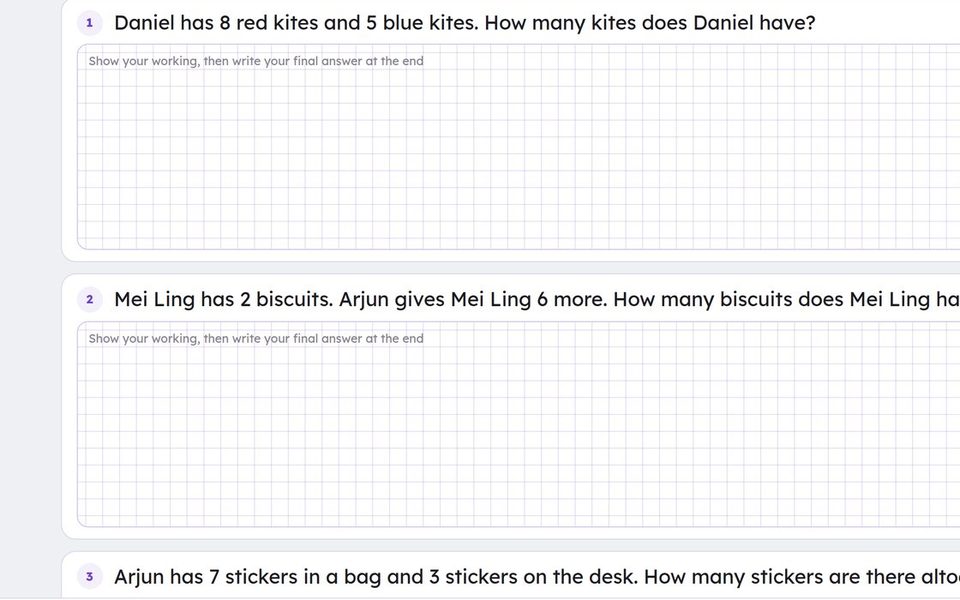
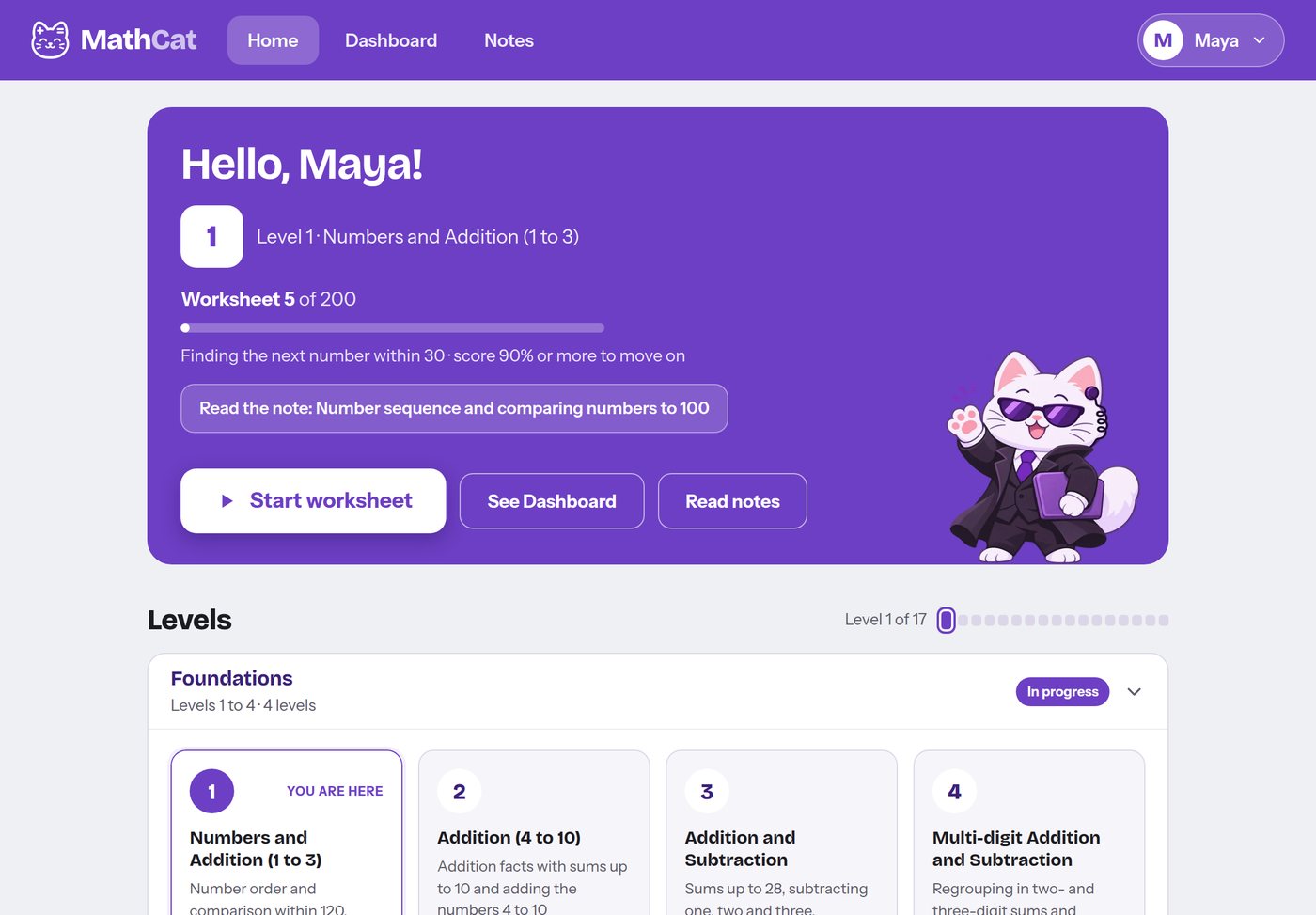
Home shows your worksheet number, a progress bar and a single Start worksheet button. The worksheet header shows a target time, which is only a guide. Write each answer by hand in its box. When you are done, Mathhh reads your handwriting and marks the page. Read more about writing by hand.
Day 2: what the marks mean
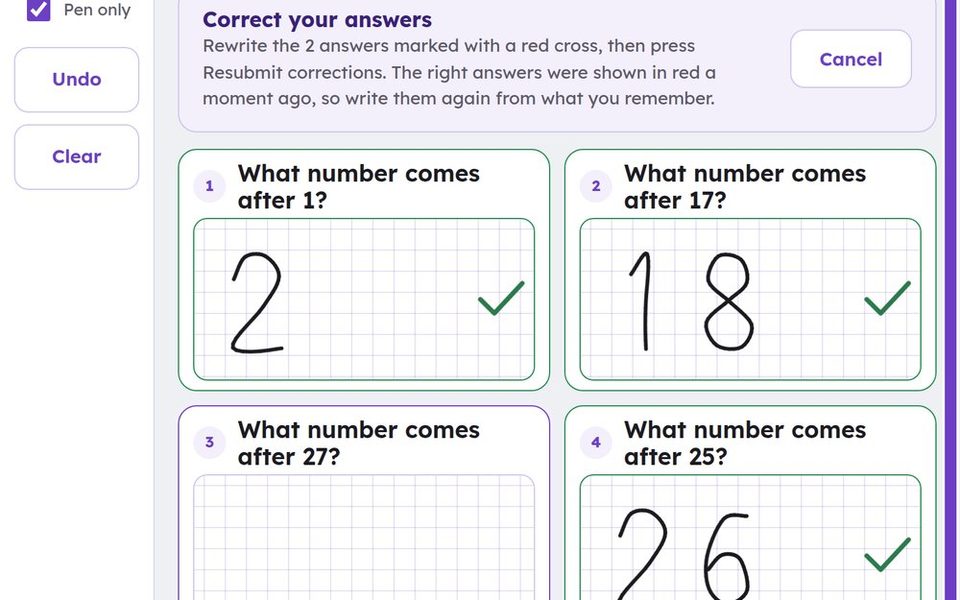
A worksheet passes at 90% or more, and then the next one is ready. If the score is lower, you will see Keep going and a red cross on each wrong answer. Do not start again. Press Correct my answers and rewrite only the wrong ones. Here is how corrections work.
Day 3: read a note
Every worksheet has a short study note. The Notes button is in the worksheet header, and Home opens on the note for your next worksheet. Read the Key idea, then try the questions under Try it. Notes are most useful at the start of a new topic. See what is inside a note.
Days 4 and 5: find a rhythm
Pick a regular time, such as straight after school. One worksheet a day is enough. The day streak keeps counting until a whole day is missed, so a worksheet late in the evening still counts. The habit post explains the streak and the calendar of stars.
Day 7: look back
Open the Dashboard. It shows worksheets passed, average score, days in a row and time studied, and the calendar has a star on each day you studied. A parent’s guide to the Dashboard explains each number.
Then decide what next. If every worksheet felt easy, choose a higher level: in Settings, Change my level lets you pick any level. You start at its worksheet 1, and the levels before it are tucked away. Your marked worksheets stay in the Dashboard. Word problems (Problem Solving) already have their own card on Home. For more, open a advanced topic from the list under it.
Questions people ask
How long does it take to set up Mathhh?
About a minute. A new account goes through three short screens: Welcome, Level and Learners.
Which level should a beginner choose?
The one whose sample questions look comfortable. Each level shows a few sample questions before you choose, and you can change the level later in Settings.
Do I have to start at Level 1?
No. You choose your own starting level, and you do not have to do the easier levels first.
How many worksheets should we do in the first week?
One a day is enough. Mathhh counts days in a row, and the streak only breaks when a whole day is missed.
Do I need to read the study notes?
No, they are optional. They help most at the start of a new topic and after a worksheet that needed corrections.