Parents often ask the same question: is it working? The Dashboard answers part of it. Here is what each number means, and what the numbers cannot tell you.
The four tiles at the top
- Worksheets passed counts the worksheets that reached 90% or more. Below it, a smaller line says how many were marked in all.
- Average score is across all worksheets marked.
- Days in a row is the current streak, and the line beneath shows the best so far.
- Time studied adds up the minutes, with the number of days of practice below.
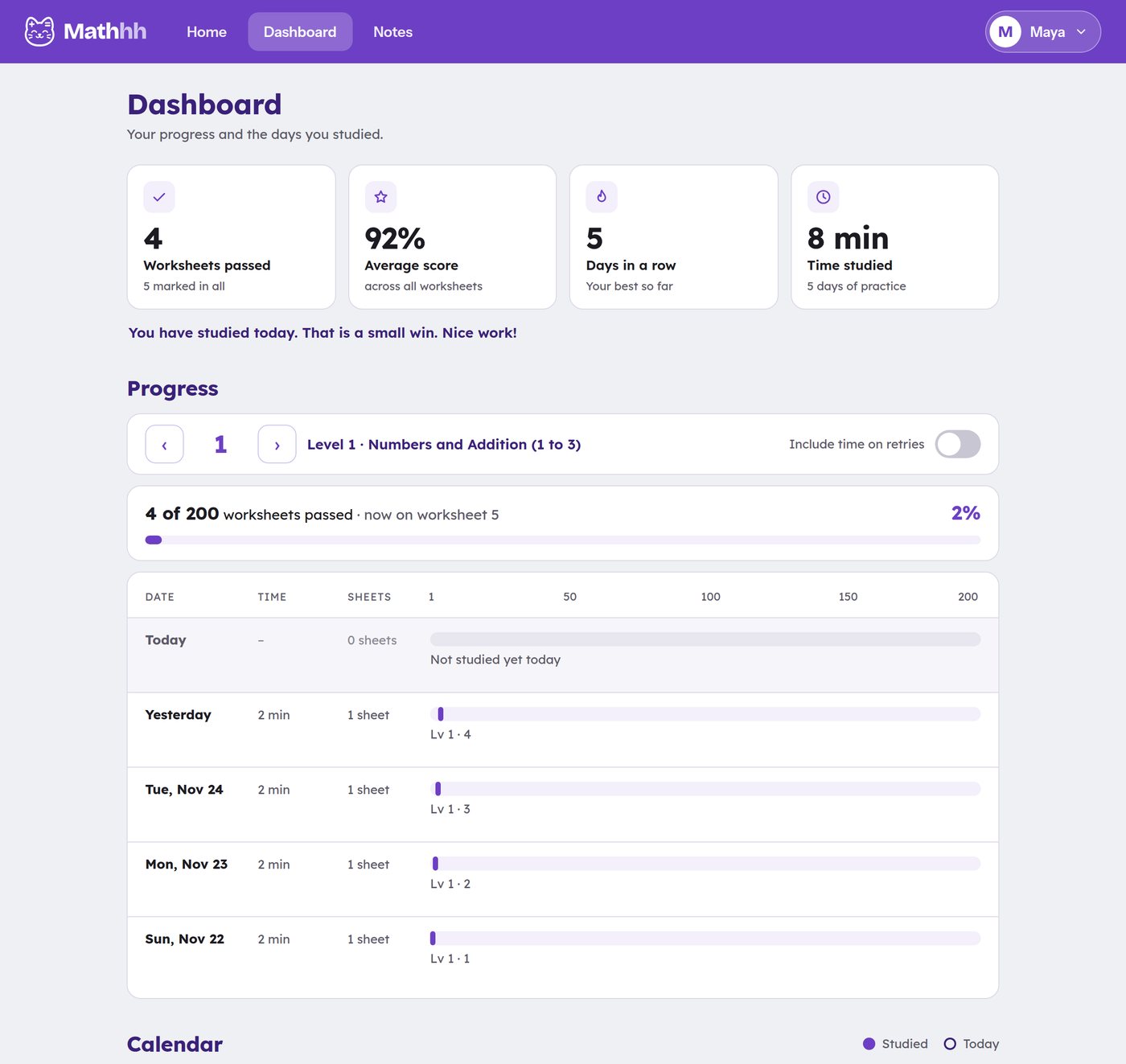
On days when your child has studied, a line under the tiles says You have studied today. That is a small win. Nice work!
Progress
This shows the level, for example 4 of 200 worksheets passed, now on worksheet 5, with a bar. Use the arrows to look at another level. A switch, Include time on retries, lets you count or leave out the time spent on corrections and new tries.
Day by day
Each row is a day, with the time studied, the number of sheets and where on the 200-worksheet bar they were. A row for today says Not studied yet today until the first worksheet is done.
The calendar
A filled circle marks every day studied, and a ring marks today. A gap in the calendar is easier to spot than a number: it shows how steady the habit is.
The Marks book on Home
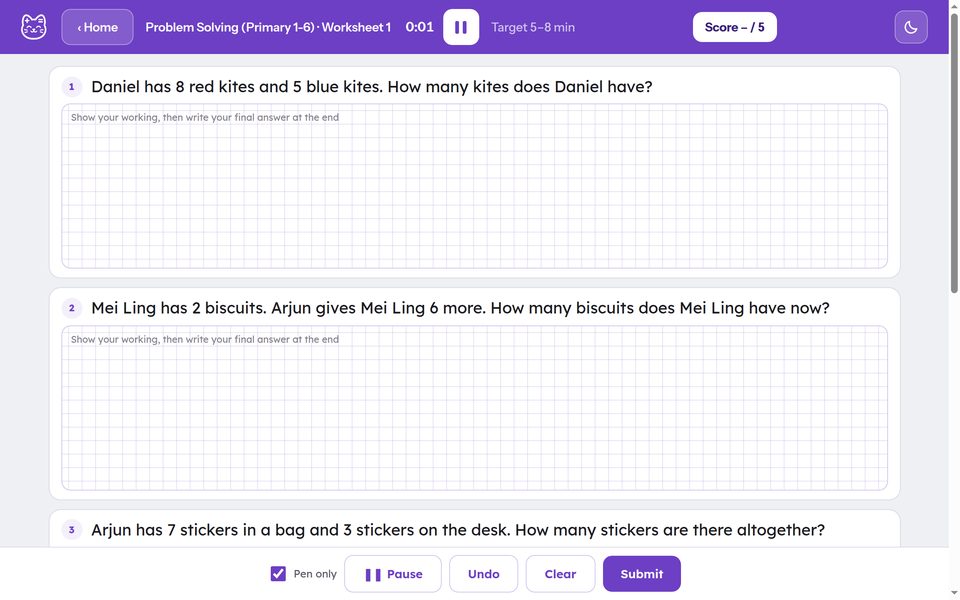
Recent worksheets are listed on Home. A worksheet that needed corrections shows its first-try score, for example corrected, first try 6/10. That tells you how many answers were right before any help.
What the numbers cannot tell you
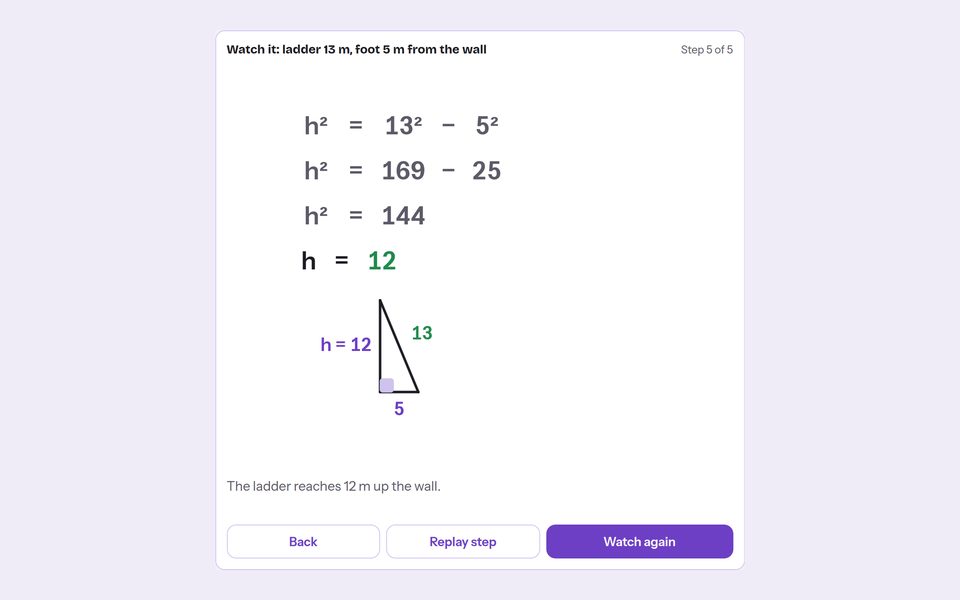
The Dashboard shows how much and how often. It does not show why a worksheet went badly. For that, sit beside your child for one corrected worksheet and ask “What did you do here?” This walkthrough shows how that conversation can go.
First, a steady calendar matters more than a long session. Second, a score that is regularly below 90% may mean the level is too hard, and Settings lets you change it. Third, many worksheets marked corrected are a good sign to read the study note together.
Read why one worksheet a day works, and a plan for the first week.
Questions people ask
What does the Mathhh Dashboard show?
Worksheets passed, average score, days in a row and time studied, a progress bar for each level, a day-by-day list and a calendar with the days studied.
What is the pass mark?
90%. A worksheet at 90% or more passes and the next one opens.
Does the streak break if my child misses a day?
The streak keeps counting until a whole day has been missed.
Where can I see the first-try score?
Recent worksheets on Home shows it for worksheets that needed corrections, for example corrected, first try 6/10.
Can I change my child’s level?
Yes. In Settings, Change my level lets you choose any level. The levels before it are tucked away, and the marked worksheets stay in the Dashboard.