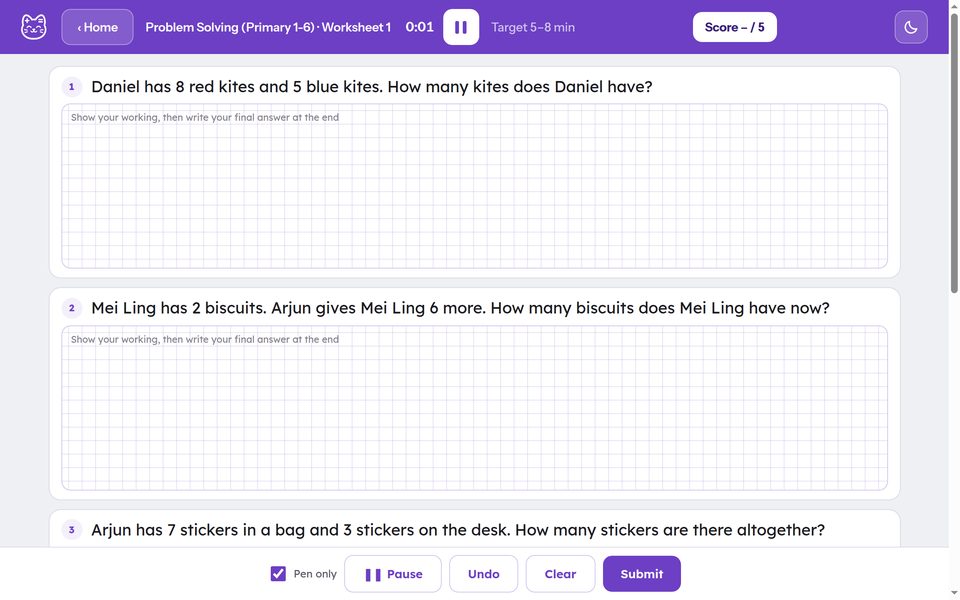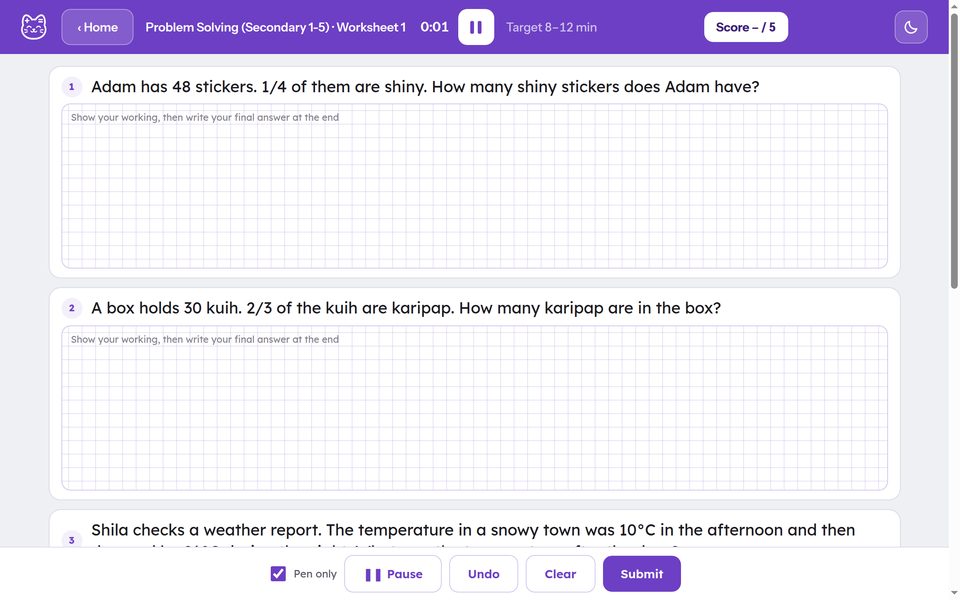
Most worked examples sit on the page already finished, so there is nothing left to watch. Watch it starts with an empty picture and adds one step every time you press Next step.
Try one now
This is the first worked example from the Level 1 note on adding 2. Press Next step to carry on, Back to go a step back, or Replay step to watch the same step again. On a computer you can also use the left and right arrow keys.
Example: 12 + 2
One step at a time
Each step adds one thing to the picture, and one short sentence says what it is for. If you get lost, go back and look again as often as you like. Nothing moves on until you press the button.
We left out a “play it all” button on purpose. When a worked example runs by itself, it is easy to watch it go past without really following it. With Next step, you decide when you are ready for the next line.
Every topic gets its own kind of picture
Adding 2 works well on a number line. A fraction needs a bar you can cut up and shade, and a right-angled triangle needs its sides labelled. So each picture is drawn for its own example rather than filled into a template. Here is the same player reducing a fraction:
Example: 16/18
Along the way you will meet number lines, fraction and percentage bars, place-value columns, long division, tables, graphs, angles and shapes, and algebra written out line by line.
All 216 notes have them
Every worked example in all 216 study notes has a Watch it picture, from counting on a number line in Level 1 up to calculus, and in the advanced topics too. The newest ones are in the Problem Solving notes, where a word problem is turned into a sum one step at a time.
A program checks every picture before we publish it. The numbers on the picture have to match the worked example, and each line of working has to equal the one before it. Here is a secondary example, a ladder against a wall:
Example: ladder 13 m, foot 5 m from the wall
On a phone
The three buttons stay on one row. Tap a picture to make it bigger; it then scrolls sideways inside its card, and another tap puts it back. The pictures follow your light or dark setting.
Where to find it
Watch it is inside the Worked examples section of every study note. A signed-in student sees it on the Home page, which opens on the note for their next worksheet. Anyone can also see it on the public note pages without an account: browse the study notes and open any worked example.
We think it is most useful at the start of a new topic. Watch the example, try the questions under Try it and check your answers, then write the worksheet by hand. For a full example, see how one subtraction mistake is fixed step by step.
Questions people ask
What is Watch it?
A step-by-step picture inside each worked example of a Mathhh study note. It starts empty and adds one step each time you press Next step, with a short sentence for each step.
Which notes have it?
All 216 study notes have one for every worked example, from Level 1 to calculus and in the advanced topics.
Does it play by itself?
No. You press Next step, Back or Replay step, or use the arrow keys. There is no autoplay.
Does it work on a phone?
Yes. The buttons share one row, and you can tap the picture to make it bigger so small numbers are easy to read.
Do I need an account to see it?
No. The public study note pages have Watch it too, so anyone can read and try the notes without signing in.